
I recently visited the conservatory and gardens at the Myriad Botanical Gardens in Oklahoma City, OK. So many opportunities for stereographic photos! I took many using my eldest’s phone, a OnePlus. I stood with my feet shoulder’s width apart, the camera at eye level, then shifted my weight left, took a picture, shifted by weight right, and took the second picture.
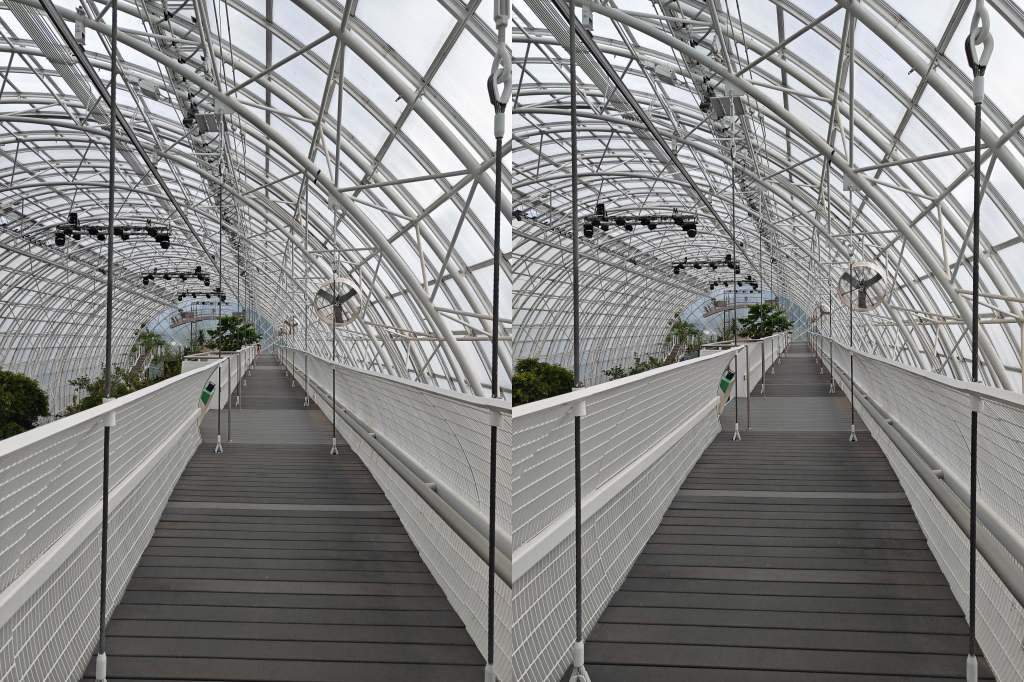

I decided to prepare the photos on my computer, rather than fiddle with placing on my phone. I found out that I can’t view the parallel photo if the combined pictures are larger than my phone screen! Hm. I can’t view the cross view 3D effect at all, but in the stereographic posts I’ve seen, there are people that have the opposite problem. The difference between setting up photos for parallel or cross view is just switching photo positions. It is the same two photos, just swapped. Easy enough to do when on the computer.
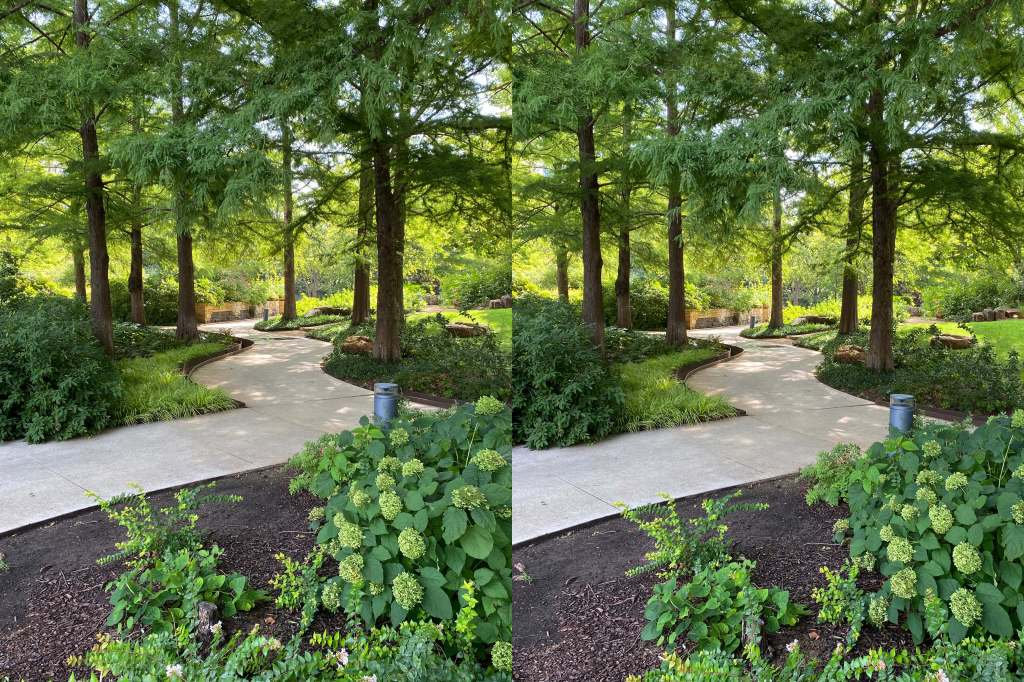
I also found that while the conservatory walkway has spectacular depth, trying to get the pictures to merge is dizzying with all those lines. So here is one that is less straining.

 Critters and Craft